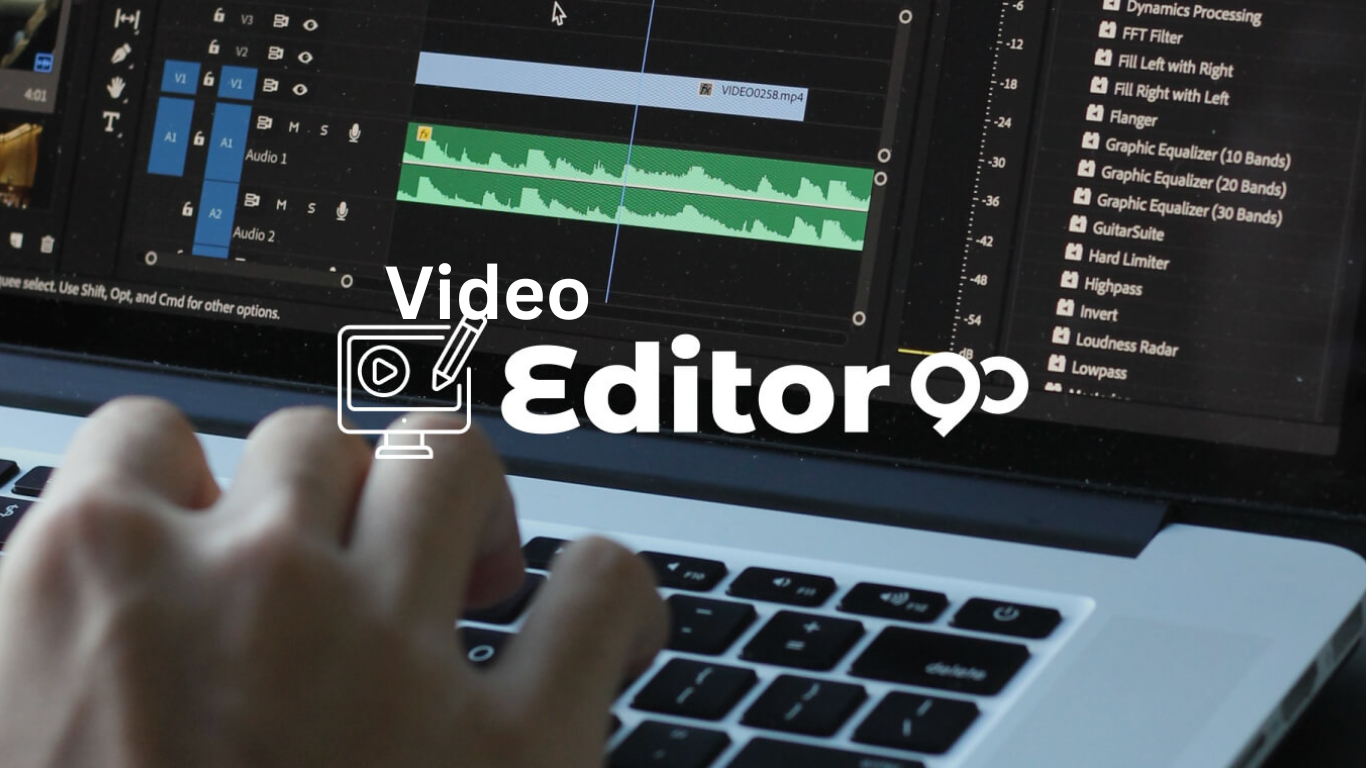
Basic Video Editing Knowledge course cover Image

Basic Video Editing Knowledge

Welcome to the Basic Video Editing Knowledge course at Eyecore Academy! If you’ve ever wanted to create stunning videos for social media, YouTube, or personal projects, but felt overwhelmed by editing software, this course is designed to make video editing accessible to everyone. You’ll learn the foundational skills needed to start editing videos like a pro for digital marketing, even if you’ve never picked up editing software before.

Whether you’re a beginner, a content creator, or just looking to enhance your personal projects, this course will equip you with the tools and techniques you need to make your videos look polished and professional.

Course Overview

In this Basic Video Editing Knowledge course, we’ll take you through the essentials of video editing, from choosing the right software to mastering basic editing tools. You’ll learn how to cut, trim, and merge video clips, add transitions, insert music and text, and export your final video for sharing.

This course is perfect for anyone who wants to get started with video editing but isn’t sure where to begin. With simple, easy-to-follow lessons, you’ll have the confidence to edit your own videos by the end of the course.

Why choose
Eyecore academy?

  • Expert Instructors: Learn from experienced video editors and content creators who understand the process of video editing for digital marketing from start to finish.
  • Practical Learning: Apply what you learn with real-world examples, hands-on editing exercises, and simple video projects that give you a chance to practice your new skills.
  • Lifetime Access: Get lifetime access to course materials so you can revisit the lessons anytime you need a refresher.
  • Certification: Upon completion, you’ll receive a certificate to show that you’ve mastered the basics of video editing.
  • Learn at Your Own Pace: This course is designed to fit into your schedule. You can take it at your own pace and revisit the content as often as needed.
What You’ll Learn
  • Introduction to Video Editing: Understand the basics of video editing, including what video editing software is and how it works.
  • Choosing Video Editing Software: Learn how to select the best video editing software for your needs, whether you’re using free tools like iMovie or more advanced software like Adobe Premiere Pro.
  • Basic Editing Techniques: Learn how to cut, trim, and arrange clips, so you can piece together your video the way you envision it.
  • Adding Transitions & Effects: Discover how to add smooth transitions and simple effects to make your videos more engaging.
  • Audio & Music Editing: Learn how to adjust audio levels, remove background noise, and add music or voiceovers to your videos.
  • Incorporating Text & Titles: Understand how to add text, titles, and captions to your video to enhance your message and improve viewer engagement.
  • Color Correction & Enhancements: Learn basic color correction techniques to make your videos look more vibrant and professional.
  • Exporting Your Video: Learn how to properly export your video in the correct format for uploading to social media, websites, or YouTube.
  • Basic Storytelling Techniques: Understand how to structure your video for maximum impact, including how to create a narrative flow and keep viewers engaged.
Who Should Take This Course? cover image

Who Should Take This Course?

  • Beginners: If you’re new to video editing for digital marketing and want to learn the fundamentals, this course is the perfect place to start.
  • Content Creators & Influencers: Whether you’re creating YouTube videos, social media content, or personal projects, mastering basic video editing will help you create more polished content.
  • Small Business Owners: Learn how to create engaging videos for marketing your business, including ads, promotional videos, and social media content.
  • Hobbyists & DIY Creators: If you’re passionate about creating personal videos for family events, travel vlogs, or other projects, this course will give you the skills to make them look professional.
  • Anyone Looking to Learn Video Editing: No prior experience required! If you’re simply interested in learning the basics of video editing, this course is for you.

Course Structure

  • Module 1: Introduction to Video Editing & Software Basics
  • Module 2: Importing & Organizing Video Clips
  • Module 3: Basic Editing: Cutting, Trimming, and Arranging Clips
  • Module 4: Adding Transitions, Effects, and Filters
  • Module 5: Working with Audio: Music, Voiceovers, and Sound Effects
  • Module 6: Inserting Text & Titles into Your Video
  • Module 7: Basic Color Correction & Enhancements
  • Module 8: Exporting Your Video for Social Media or YouTube
  • Module 9: Basic Storytelling in Video Editing
Each module is designed to provide you with a complete understanding of video editing, from mastering the basics to creating professional content for digital marketing success.
Basic Video Editing Knowledge courses structure cover image

Enroll Now

Ready to start editing your own videos? Whether you’re looking to create professional-quality YouTube videos, social media content, or personal projects, this course will give you the essential skills to get started.

Enroll Now

Our Social Media sites:

© 2025 Eyecore Digital Copyright All Right Reserved